

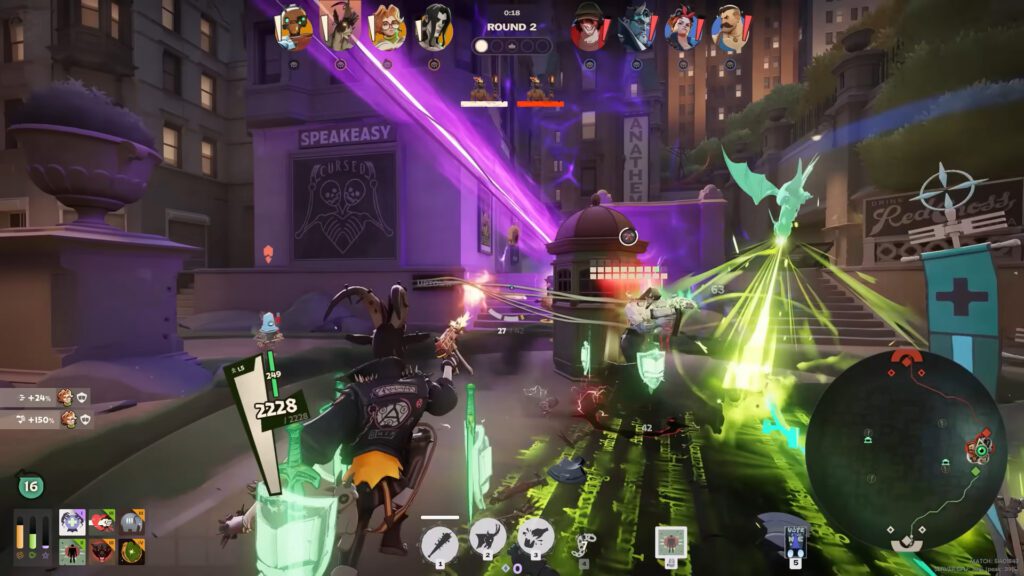
The latest Deadlock update, “Old Gods, New Blood,” the same one that introduced Apollo as a new fighter, later received an additional patch that unveiled a brand new game mode for Valve’s hero shooter. Called “Street Brawl,” the mode features a shorter format built around fast 4v4 sessions, bringing several changes compared to the main experience.
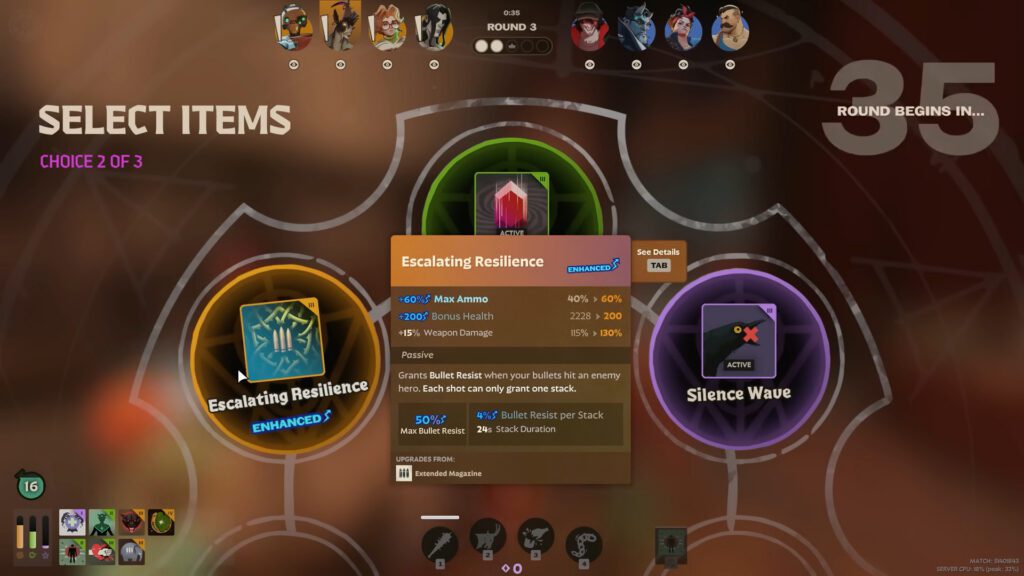
One of the biggest additions in this mode is the introduction of Legendary Items. These are powerful pieces of tactical equipment that grant massive advantages in battle, often strong enough to completely swing the momentum of a match. Compared to standard items like Dispel Magic, Legendary Items can push your build far beyond the usual limits.
The catch is that they are extremely expensive. Not only are the items randomized, but each one can cost as much as 9,999 souls. Fortunately, there’s a workaround. In this guide, we’ll show you how to obtain them using simple commands hidden within the game’s code.
How to Enable Console Command in Deadlock
Before even thinking about getting free Legendary Items in Deadlock using console commands, you first need to enable console commands through Steam. Thankfully, this is a built-in feature in Steam’s launch system, so the process is fairly simple. To enable console commands, follow these steps:
- Right-click Deadlock in your Steam library.
- Select Properties and stay in the General tab.
- In the Launch Options box, type -console (you can also use -dev, which works the same way).
After that, launch the game and head into the Settings menu. Go to Keybinds, scroll until you find the Miscellaneous section, and bind the console command to a key. Most players use F7, since it usually has no other function, but you can assign any key that works best for you.
Just to be safe, also open the Options tab inside the Settings menu and make sure the Enable Console option is checked. This ensures the command console will open properly once you press your chosen key.
Deadlock Legendary Items Console Command List
Now that you have the console working, launch a private, custom, or sandbox lobby. Once the match begins, press the key you bound to open the console and type “sv_cheats 1” (without the quotation marks). After that, you can input any of the commands listed below. Each one corresponds to a Legendary Item available in Deadlock’s Street Brawl mode. Keep in mind that these items are exclusive to this mode and cannot be obtained anywhere else in the game.
DO NOT USE CONSOLE COMMANDS IN A NORMAL MATCH, AS DOING SO IS CONSIDERED CHEATING AND MAY RESULT IN A BAN!
| ITEM | Console Command |
|---|---|
| Runed Gauntlets | giveitem upgrade_runed_gauntlets |
| Infinite Rounds | giveitem upgrade_infinite_rounds |
| Eldritch Shot / Haunting Shot | giveitem upgrade_eldritch_shot |
| Shadow Strike | giveitem upgrade_shadow_strike |
| Unstable Concoction | giveitem upgrade_unstable_concoction |
| Eternal Gift | giveitem upgrade_eternal_gift |
| Shrink Ray | giveitem upgrade_shrink_ray |
| Mystical Piano | giveitem upgrade_mystical_piano |
| Omnicharge Pendant | giveitem upgrade_omnicharge_pendant <0-3> |
| Prism Blast | giveitem upgrade_prism_blast |
| Nullification Aura | giveitem upgrade_nullification_aura |
| Cloak of Opportunity | giveitem upgrade_cloak_of_opportunity |
| Electric Slippers | giveitem upgrade_electric_slippers |
| Celestial Guidance / Blessing | giveitem upgrade_celestial_guidance |
| Icarus Wings | giveitem upgrade_icarus_wings |
| Patrons Blessing / Mystic Conduit | giveitem upgrade_patrons_blessing |
| Frostbite / Frostbite Charm | giveitem upgrade_shivas_bracelet <0-3> |
These are all the Legendary Items currently available in Deadlock’s Street Brawl mode. It is worth noting that, besides the ones listed in the table above, the game’s code also references a few additional items that have not yet been implemented. Among these are Apex Combat, Ancient Shielding, Shadow Step, Timeless Emblem, Haunting Scream, and Aerial Mastery. However, since Valve has not officially added them to the mode yet, they remain unavailable to players for the time being.
Final Thoughts
Deadlock’s Legendary Items have been the talk of the town for several reasons. Given that the game is still not officially “out” yet and can only be played through invitations, it is safe to assume that Valve is still testing ideas ahead of a future full release.
The company’s track record also suggests that some of these Legendary Items could eventually make their way into the main game in some form. Valve has done similar things with Dota 2, for instance, introducing limited or experimental modes that featured special mechanics or items that were later adapted into the standard experience.
So while these commands would be problematic if used in normal matches, it is likely that Valve expects players to experiment with them in private environments. By letting players freely test these items, the developers can observe which ones become popular and how the community interacts with them, helping guide future balancing decisions.