
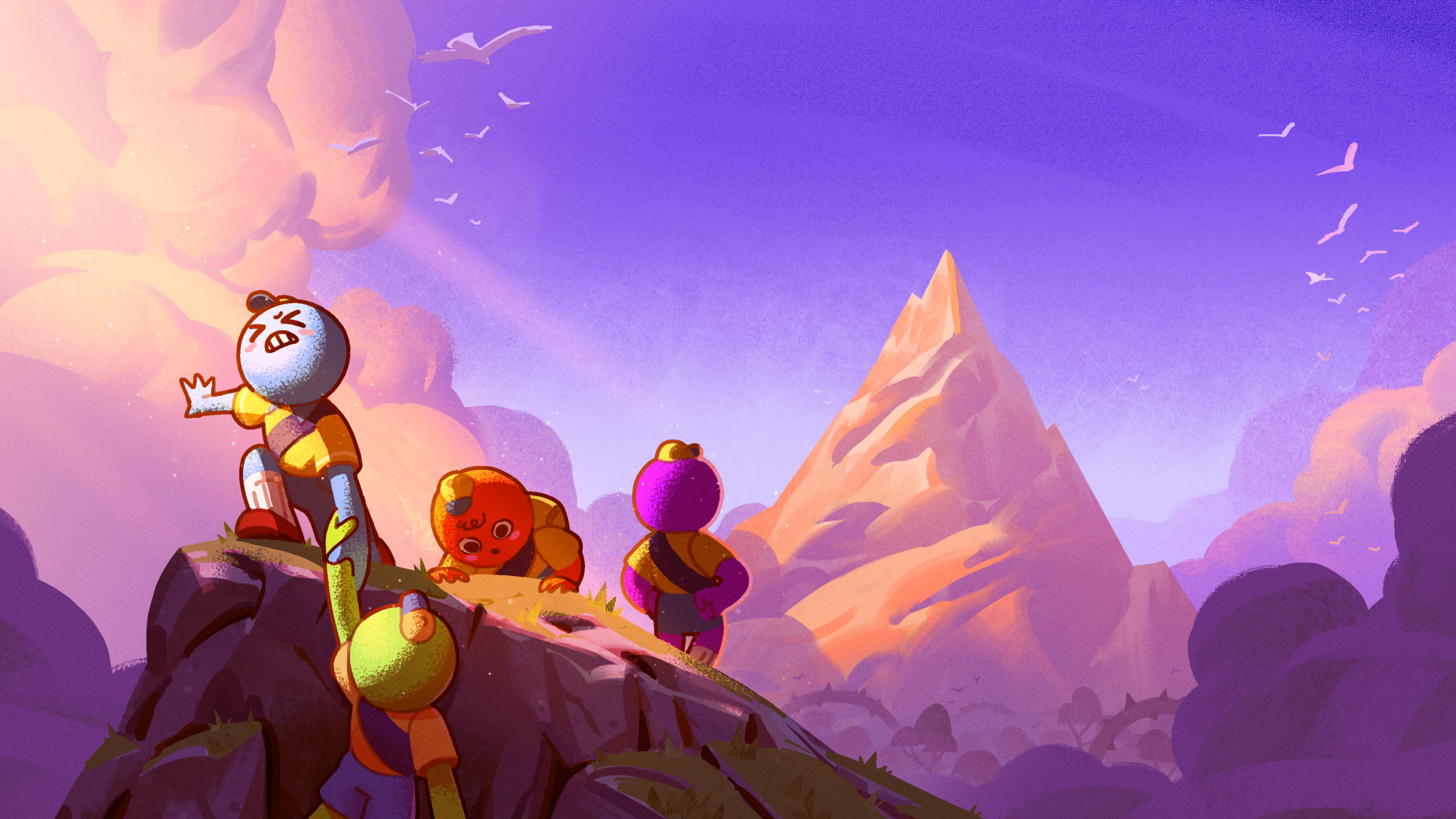
PEAK has received a major update titled “PLAY IT YOUR WAY”, bringing significant improvements to Aggro Crab’s successful indie title. The update introduces several new features, with the standout addition being the Custom Run system.
According to the official breakdown, Custom Runs transform the game into a more flexible experience. Players can now bypass standard difficulty presets by toggling specific gameplay hazards, choosing which items appear in their luggage, and even opting into Mini-Runs, which allow for shorter, single-biome sessions.
One trade-off is that Steam Achievements are disabled when using Custom Run settings. This is fairly standard, as many games disable achievement systems when players use customizable or “non-standard” gameplay modifiers.
The update is already live and will download automatically when you launch the game via Steam, so no manual action is required.
Major Feature Updates That Redefine How You Play PEAK
Custom Runs – Full Control Over Difficulty and Gameplay Modifiers
You can now modify various aspects of your run at the Boarding Kiosk in the Airport. This includes:
- Individual difficulty settings
- Toggling specific gameplay hazards
- Choosing which items spawn in luggage
Note: Steam Achievements are disabled when using Custom Run settings.
Mini Runs – Shorter, Single-Biome Sessions for Quick Play
A new option within the Custom Run menu allows you to play a single biome from the daily map. This is ideal for shorter play sessions when you don’t have time for a full expedition.
Campfire Autosaves – Pause and Resume Your Expedition Anytime
You can now leave an expedition and resume it later from your most recent campfire.
- The save remains until you win, lose, or start a new run
- If the game updates and the map you were on is removed, your save will be erased
Chill Campfires – Safer Rest Stops With No Hunger or Fog Progression
Hunger no longer increases, and fog progression pauses while you are at a campfire. The fire will also remain lit until all scouts leave the area.
Minor Feature Updates, Accessibility Options, and Key Fixes
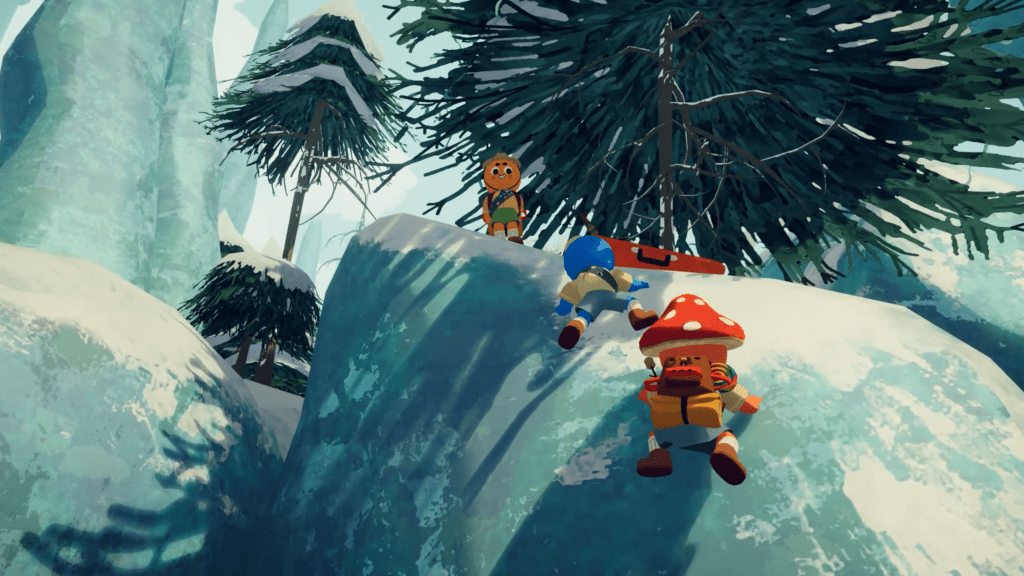
Accessibility Improvements for Player Comfort
- Zombie Phobia Mode: Replaces the “mushroom-infected” enemy visuals in the Roots biome with a less unsettling alternative
- Zombie Removal: Zombies can now be removed entirely via Custom Run settings or by playing on Tenderfoot difficulty
Stability Improvements and Reconnect Fixes
- Achievements tied to a single run (such as Gourmand or Mycology badges) now retain progress after disconnecting and rejoining
- Players affected by the Book of Bones remain skeletons after reconnecting
- Fixed issues with spawning in the same location or failing to revive properly
Gameplay Balance Changes and Bug Fixes
- Scorpions: Stop stinging immediately when picked up, giving you time to throw them
- Rescue Hook: Reduced ragdoll duration for easier use
- Alpine Biome: Snowballs can once again be rolled to increase size
- Chain Launcher: Fixed a movement speed bug on chains
Technical Improvements and UI Enhancements
- Improved framerates on newer AMD Radeon GPUs
- Added a confirmation prompt before leaving a game from the pause menu
- Fixed controller issues affecting mic level adjustments
- Disabled the use of rich text tags in player names
- Fixed a bug where only the host could see healing clouds from certain items