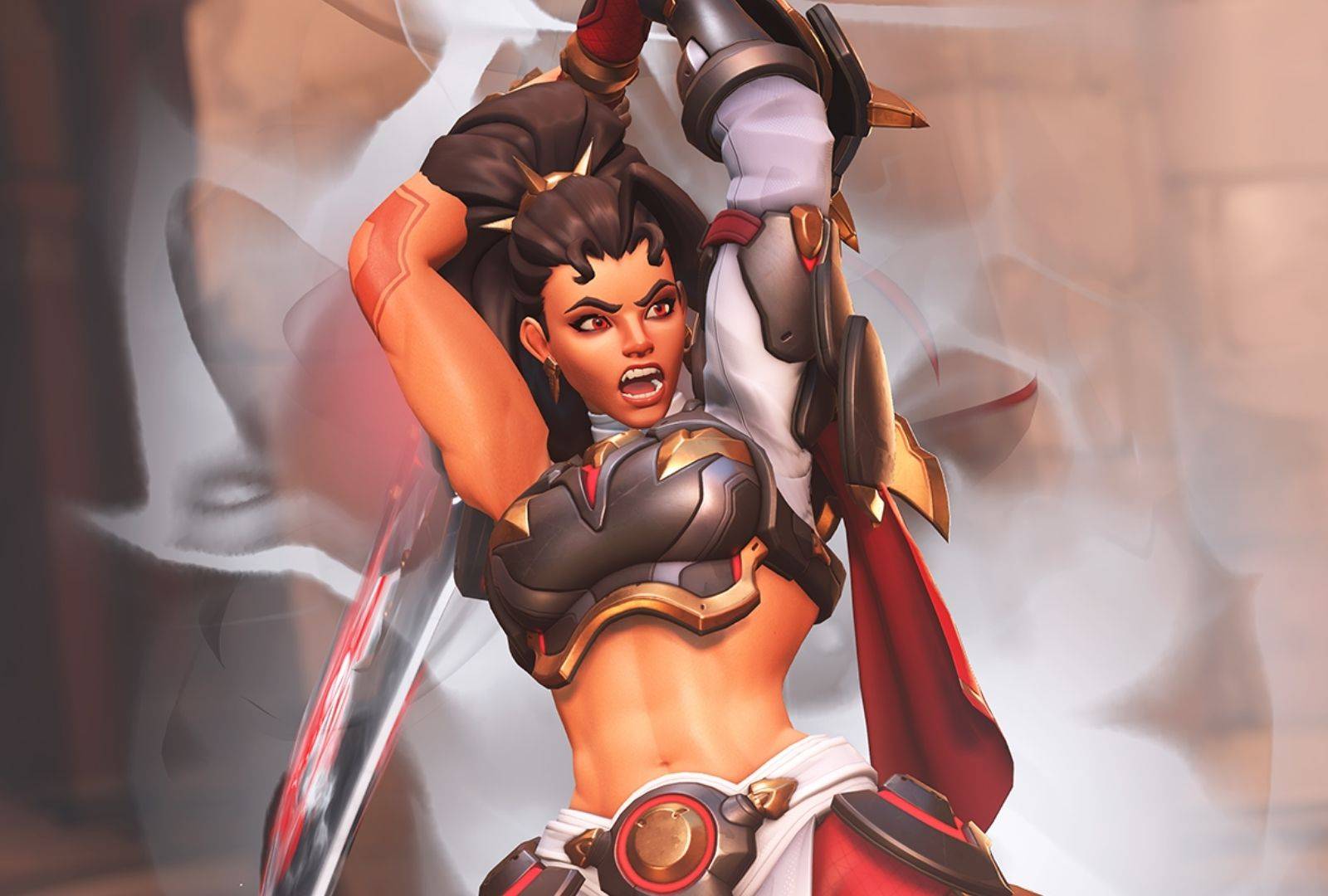
Overwatch got a much needed rebrand recently, introducing a brand new season with major story-driven content and ditching the “2” in “Overwatch 2” in favor of a more streamlined experience. And while some of these changes have been met with some backlash, Blizzard is being quick to clamp down on complaints and give them a proper answer.
One of the things yet to be resolved, however, is the error known as “BN-564”. Showing up for a lot of PC players whenever you try to log in and get on a match, this error has been driving the PC part of the community into a frenzy.
Good news: it is somewhat fixable. And we’re gonna show you how.
What is the Overwatch Error BN-564
In short terms, the Error BN-564 takes place in the lobby, just before a match. Players in the lobby are expecting their due time to play and, when their turn is up next, this error takes place, throwing them back at the end of the line.
Frustrating.
The reason for this is anybody’s guess, but the general consensus is that, due to the all new, Season 01: Conquest, being released on February 10, a lot of people who were away suddenly decided to jump back in the game, putting a strain on its servers.
Now, while there is no mention of this taking place in consoles, the Error BN-564 seems to be restricted to Steam players, so not every PC with Overwatch installed suffers from it.
Now, here’s what you’re gonna do to avoid it:
How to fix Error BN-564
One of the very first things that the community tried and found some result in avoiding this error was to play Overwatch through the Battle.net interface instead of Steam. Since most cases are taking place on Valve’s platform, uninstalling it and reinstalling through Blizzard’s own services seem to be working for most.
The other solution is a more technical one, and since this involves messing with command lines, we’ll tell you to be warned and use this at your own discretion. But it isn’t a game-breaking method either, so you should be safe.
If you still want to play Overwatch on Steam while avoiding the aforementioned error, you might wanna try editing the game’s launch options: for that, right-click on “Overwatch” in your Steam library, go to the “General” tab and access the text box called “Launch Options.”
Now, paste followin: “–BNetServer=kr.actual.battle.net:1119” — remember to remove the quotation marks. This will connect you to a different server (but still inside Battle.net) and let you play normally.
Other than these two options, if the error in question persists, it could be that the problem is in your own PC or internet connection, so troubleshoot everything, test out other games and, in a last resort effort, contact Blizzard for support.
If the internet thing does prove to be the problem, it may be a router thing. If you’re in the market for some new parts, TP-Link has this and this model for sale at Amazon.