
Despite being available only through friend invitation from testers, Deadlock has quickly risen in popularity within the hero shooter genre. And those who are lucky enough to get in on the action are often overwhelmed at how…big…the entire game can be—especially when it comes to taking your first steps and building your Hero for your first match.
If that’s your case, you’re not the only one. Chances are you’ve likely stared at the shop screen and felt a sudden wave of panic. With hundreds of items, multiple currency types, and complex scaling, it’s a lot to take in. But don’t worry, the system is actually more logical than it looks once you break down the basics. And this is what this guide is for, so let’s strip the “wow” factor for a moment and get you all set up like a pro.
Deadlock Build System: Taking Your First Steps
The Economy: It’s All About the Souls
In Deadlock, Souls are not only the main currency; they’re the game’s bread-and-butter, as everything revolves around them. They act as both your experience points and your money. If you want to get stronger, you need to farm Souls efficiently.
Securing and Denying Soul Orbs
When you kill a Trooper (the little minions in lane), they release a Soul Orb that floats upward. A normal Deadlock match lasts for about 30 minutes, on average, and there are some key things to be mindful of:
- During the first 8 Minutes: You get 65% of the Souls instantly, but 35% is stuck in the orb. You have to shoot the orb to secure the rest.
- After 8 Minutes: This is the big shift. 100% of the Souls are in the orb. If you don’t shoot it, you get nothing.
Deadlock pros usually make use of one little tip here: enemies can shoot your orbs to deny them, stealing your money and leaving you broke. Always prioritize securing your orbs.
Secured vs. Unsecured Souls
Not all Souls stay in your pocket if you die. Secured Souls—those being the ones you earn from killing Troopers and Heroes—are yours forever. However, Unsecured Souls that are earned from jungle camps or breakable crates get dropped as soon as you die, staying on the ground for anyone to claim them from you. They will, however, slowly convert to secured status over time at a rate of one per second.
Understanding the Three-Item Trees
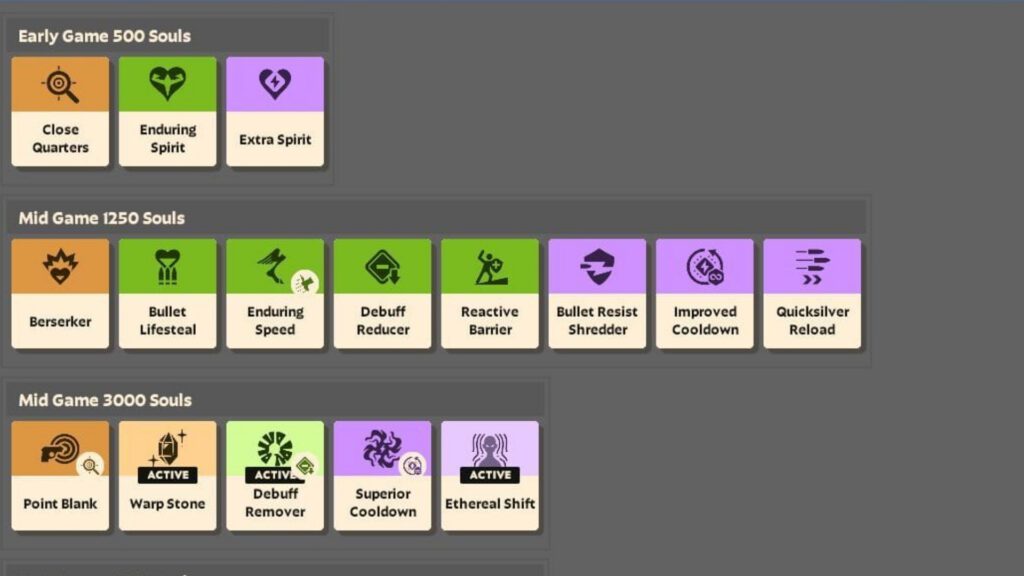
Items are color-coded into three trees. A balanced build usually touches all three, but your hero’s role will determine your focus.
Weapon (Orange)
This is usually the first thing newcomers will look at. It’s your offensive capacity, as it focuses on guns and melee. Buy these if you want to shoot faster, hit harder, and carry more ammo. These are essential for carry heroes who rely on their primary weapon to win fights, as is the case with damage-heavy Heroes like Victor.
Vitality (Green)
This is your survivability tree. It provides extra health, health regeneration, and armor. If you’re dying too fast, look for Green items that provide Bullet Armor or Spirit Resistance, depending on what’s killing you.
Spirit (Purple)
Spirit Power is for your Hero’s unique abilities. If the character you picked relies heavily on their skills (like Bebop’s hook or Seven’s ultimate), you want Purple items. These can:
- Increase ability damage
- Reduce cooldowns
- Add extra charges to your skills
That’s why it’s important to know your heroes. Luckily, we have a guide for that, listing every single one of the Deadlock’s selectable characters, with profiles that will tell you their nature—if they’re damage-heavy, more fit for support and protection or real, spiritual menaces.
How to Use Community Builds (The Newbie Cheat Code)
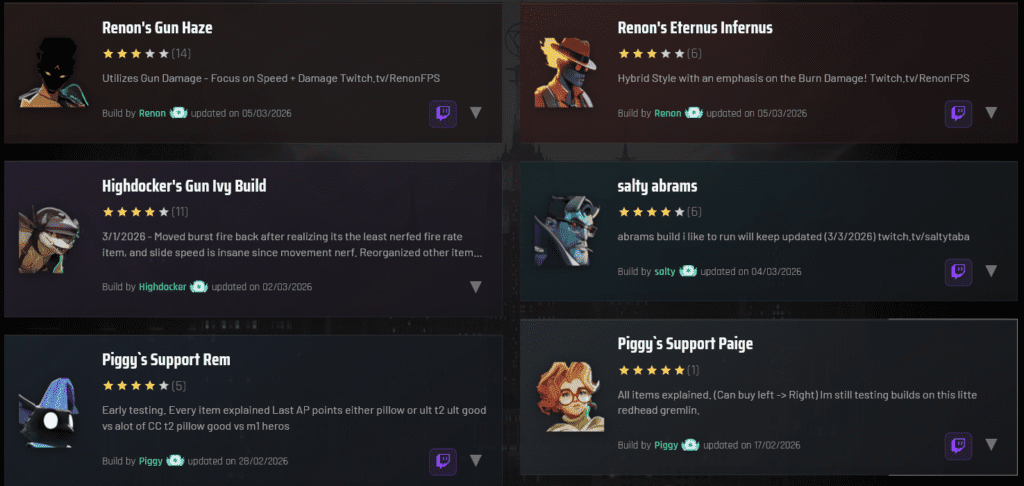
You don’t need to memorize every item to be good (although we have talked about some of that in the past). Deadlock has a built-in Build Browser that lets you use builds made by top players. Furthermore, dedicated player websites like StatLocker have advanced features and an immense library of tried-and-true builds — that’s how I beat Apollo, for instance…
Finding the Best Guides
Inside any Curiosity Shop, press B and click “Browse Builds” in the top right. Look for guides with high ratings or names from pro players. But even for that, there’s a little logic trick:
The “Left-to-Right” (L-R) Logic
Most high-quality guides use a Left-to-Right layout. The creator organizes items into rows like:
- Laning / Early Game: Cheap, efficient items to help you win your lane.
- Core / Mid Game: The items that make your hero’s kit truly click.
- Late Game / Luxury: Expensive, high-power items for the end-of-match push.
- Situational: Items you only buy to counter specific enemies (like Anti-Heal for tanky heroes).
In order to follow them, simply buy everything in the first row from left to right before moving to the next row. It removes the guesswork from your buy order.
Power Spikes and Flex Slots
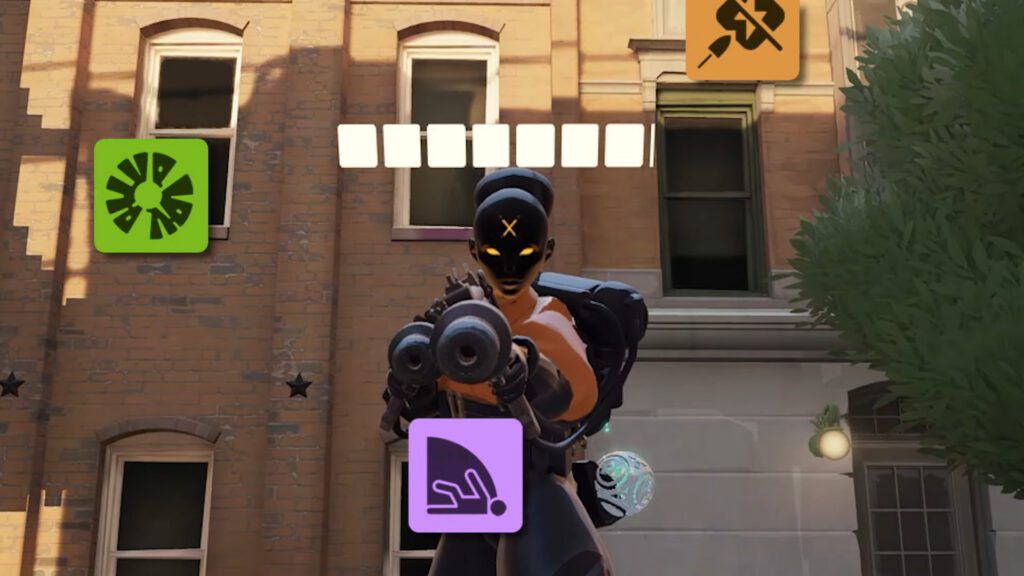
The system rewards you for specializing. If you spend a total of 4,800 Souls in one single category (for example, all on Purple items), you trigger a Power Spike. This gives you a large jump in passive stat bonuses for that tree, making you significantly stronger than someone who spreads their money too thin early on.
Unlocking More Space
You start with 12 universal item slots. To get more, your team needs to take down objectives. These Flex Slots unlock for everyone when you:
- Destroy 3 enemy Guardians
- Destroy 2 enemy Walkers
- Destroy all enemy Walkers
- Destroy both enemy Shrines
Quick Tips for Success
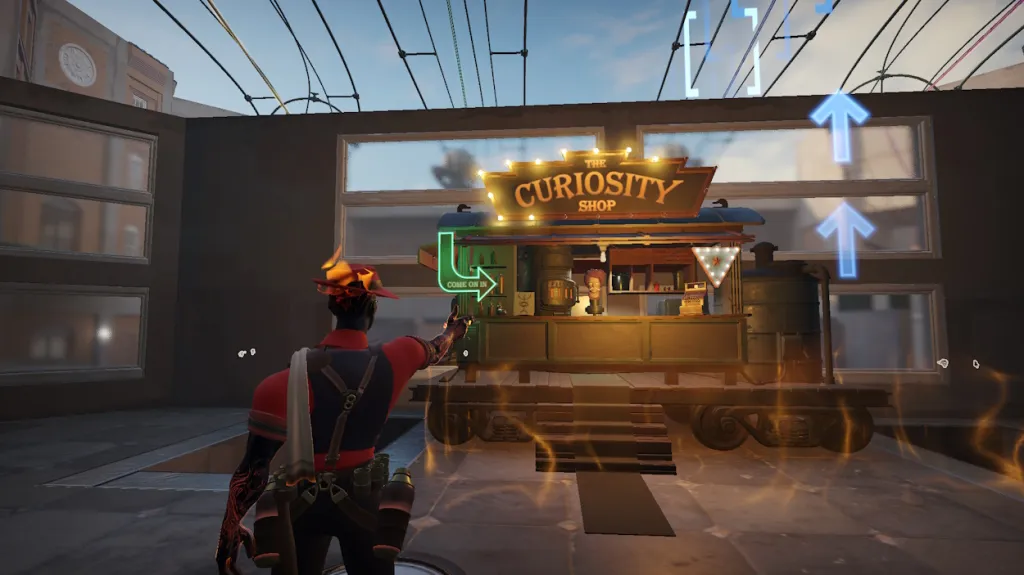
These are some tips to ascertain early success and get you on par with more seasoned players:
- Active Items: Some items require a keybind (usually Z, X, C, or V) to use, such as a teleport or heal. Don’t forget to use them.
- The Secret Shop: Located underground near the Mid Boss, this shop stays open even if your lane shops close. If it “batters down the hatches,” an enemy is nearby. Run.
- Practice in Sandbox: Higher-tiered characters won’t necessarily trample over lower ones—its’s all in the build. And if you want to test a build without the pressure of a real match, go to the Heroes tab in the main menu and enter Sandbox Mode. You can give yourself infinite Souls and see exactly how much damage your abilities do.
Deadlock’s build system is a conversation between your wallet and the match’s needs. Start with a community guide, focus on your Soul Orbs, and you’ll be dominating the streets in no time.
Final Thoughts
Deadlock’s itemization and Hero building can look overwhelming at first. The number of icons and text makes the shop feel dense, especially for new players. However, the complexity is merely the first layer, and there are clear and consistent rules to follow. Once you’re familiar with them, the system is easier to understand than it first appears.
Not only that, but the game also provides tools that help close the gap between new and experienced players. Features like the Community Build Browser allow you to find, implement and test out builds without the hassle of creating everything from scratch—you know that the material works because it was used by someone else: it may need some tinkering to fit your style, that’s all.
The point is: at first glance, everything about Deadlock is overwhelming. But if you take a breath and give it a few minutes, the entire logic is laid bare to you, and you’ll be playing like the best of them in no time.
Deadlock’s updates can be checked on the game’s own Steam page.