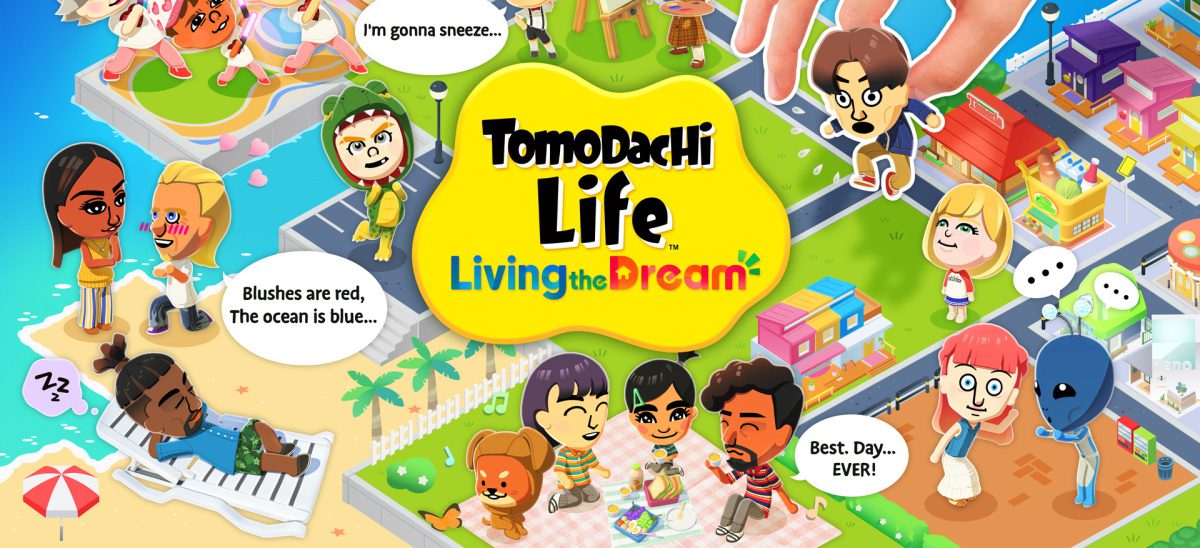
Tomodachi Life: Living the Dream gives players the freedom to create distinct Miis (avatars) with unique appearances and personalities. It offers tons of customization options, so your imagination is the only limit. This is why it is not uncommon to want to edit or even delete Miis as you keep playing the cozy social-simulation game. If you like Miis created by others and vice versa, it is possible to share them. We will cover each of these important tasks one at a time.
How to Edit Miis in Tomodachi Life Living the Dream?
- Launch Tomodachi Life: Living the Dream on your Nintendo Switch/Nintendo Switch 2 and press “A” on the title screen.
- Press “X” to access the in-game menu.
- Choose “Residents” from the list of options.
- Select the Mii you want to edit.
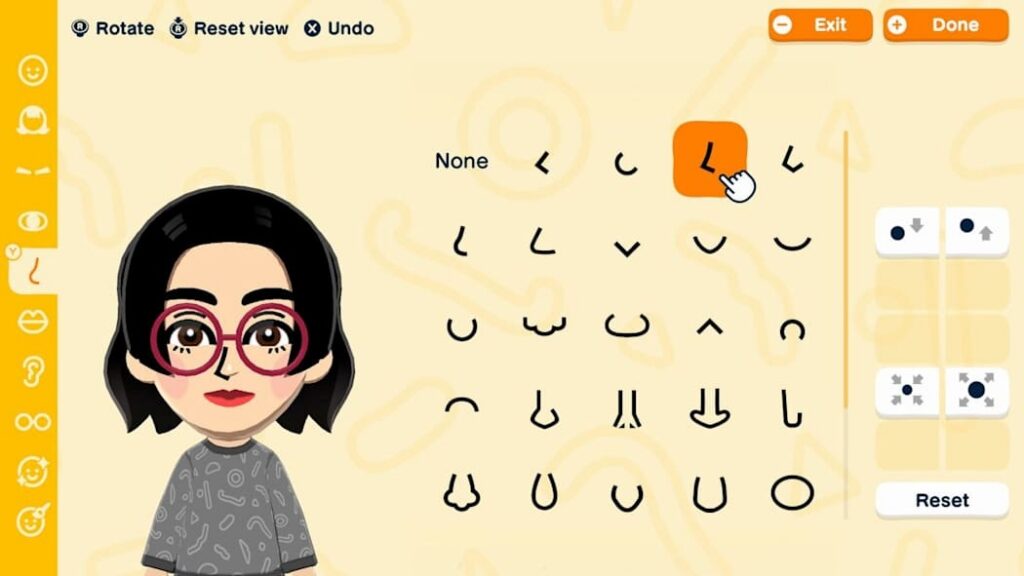
- You will enter the Mii customization interface. Edit aspects you want to change, such as name, DOB, pronouns, personality, outfits, and dating preferences.
- “Edit Face” and “Body Type” options are at the top if you want to make changes to the face and body type.
- Once done with all changes/edits, press “B” to return to the Residents menu.
How to Remove Miis in Tomodachi Life Living the Dream?
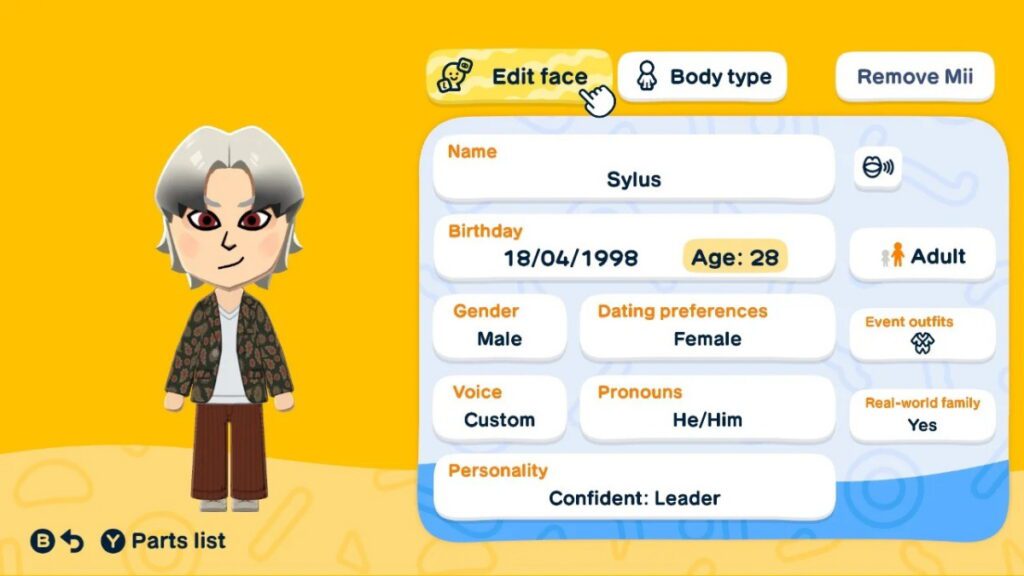
The process to remove Miis in Tomodachi Life: Living the Dream is the same as editing until you reach the customization interface. On this page, you will see the “Remove Mii” option in the top right corner. This option is next to the “Edit Face” and “Body Type” options we talked about above.
You will need to pay moving fees to delete a Mii, which will be displayed when you click the “Remove Mii” option. This fee will differ based on your chosen currency. Confirm your decision to remove the selected Mii by selecting “Remove” on the screen. Select “Hang On” if you change your mind.
How to Share Miis in Tomodachi Life Living the Dream?
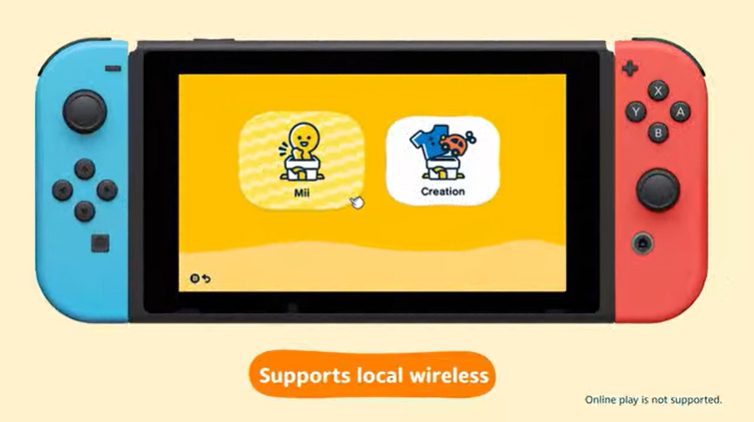
Tomodachi Life: Living the Dream supports sharing Miis with others only via a local connection. This means you will need to be with the other person in the real world for the sharing to work. Nintendo has not added a way to share Miis online. Another thing to note is that you can share only those Miis that you have created yourself. You cannot share Miis received from others, even if you have edited them.
With that clear, here are the steps you need to follow.
- Launch Tomodachi Life: Living the Dream and press “A” on the title screen.
- Press “X” to access the in-game menu.
- Choose “Local Play” from the list of options.
- The game will prompt you to save your progress. Confirm the save option to proceed.
- Select the “Look for Another Player” option, and it will start looking for nearby players.
- Select the player’s name you want to share Mii with and establish a connection.
- Once the connection is established, choose the Mii character you want to share and tap “Send”.
- Ask the other player to tap “Receive” when prompted.
When a Mii is shared successfully, it will be available for the other player to edit and use on their island.
Conclusion

These were the easy processes to edit, remove, and share Miis in Tomodachi Life: Living the Dream. The steps are identical regardless of the Nintendo Switch console version you own. Now, you can ensure you have only those Miis that you want on your island. You can always edit them as per your mood or their respective life journey to reflect the progress.