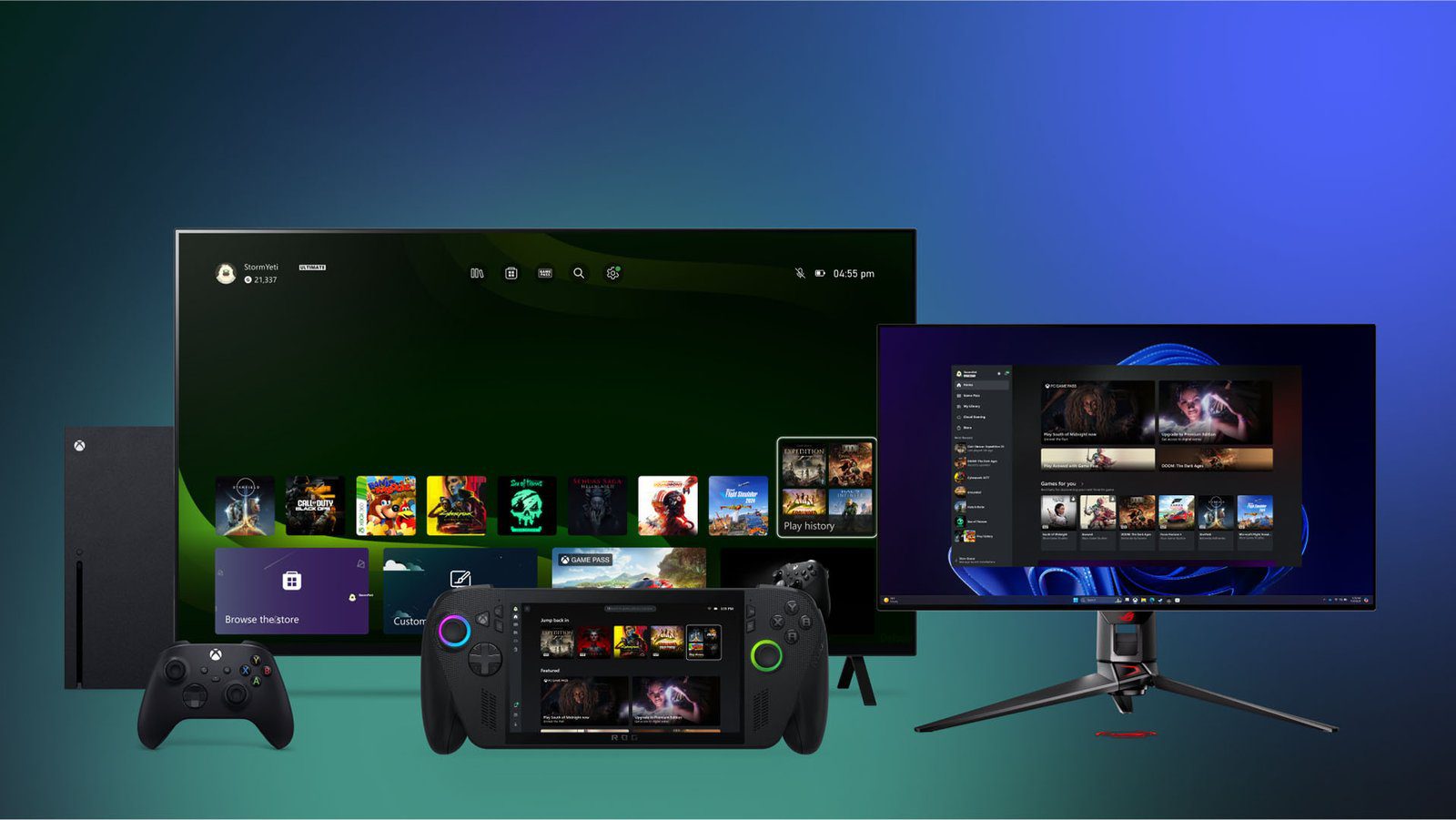
The Xbox PC App is getting a “My Apps” feature on its latest update—for now, still restricted to members of the Xbox Insiders Preview program, but rollout is still planned for September, so it might be a good idea to be on the lookout for any new version notifications.
And what does “My Apps” do, you may ask? Well, it makes it easier to launch non-Xbox applications when it comes to gaming: namely, third-party clients like GOG.com, Battle.net (for your Overwatch fix) and similar apps.
Granted, there is more to the update than just a better integration with third-party apps—this is labeled as “quality of life updates”, after all—so read on to find out what’s new (or, at least, “will be”) with the Xbox PC App
Xbox PC App converses better with several non-Microsoft things
Starting with Microsoft’s biggest gun, the Xbox PC App got a bit of an overhaul: like we said, the new version facilitates integration with all PC clients, but there is an objective behind it—to make PC gaming a more fluid experience, using the Xbox brand as a facilitator.
That’s because, as we’ve seen from Microsoft’s latest announcements in gaming, handheld portables, an ever-renewed focus on Game Pass and everything else, consumers will need some kind of integration to make things work seamlessly across several devices—and the Xbox PC App update does just that.
Of Zen And Computing explains this is a far more relatable way than I can but, in short, the idea is that the app scans your account for installed games across multiple devices and launchers, giving you a more singular view of your game libraries regardless of “where” you’re accessing them from.
Technical documentation states GOG Galaxy, Battle.net and Microsoft Edge—the latter, for browser-based games— as the first batch of supported third-party clients. More will probably follow, as the update rolls out fully within the month of September.
But not everything is a bed of roses, as it seems, because…
Community reaction has not been the greatest…
According to several early-impressions, it seems this update was done rather…unprofessionally, with most analysts citing blown-up, low resolution icons and graphics being evident on more recent models of gaming PCs and/or handheld devices such as the ROG Ally.
Also, given that the Xbox PC App has now more featured, there are some complaints about it taking longer to launch, that is if it launches at all, as full on crashing is also part of the highlighted difficulties in this update.
And those are the minor problems, as some users have reported a complete loss of access to several of their Game Pass libraries as soon as the integration kicks in.
Given the fact that this is still an Xbox Insider Preview exclusive update for now, it’s likely Microsoft is still working out the kinks and using this feedback as, well, feedback to improve things for the real launch.
Still, getting cut off from your Game Pass library seems like a pickle alright: so far, no word on a workaround or a full on fix has been said, but some kind of update-of-an-update will likely come around in the next few days, I’d wager.
Seems that “Microsoft” and “update” being two word frenemies is still a trend, eh?
Are you getting the Xbox PC App update? We at PRG are…skeptic for the time being: while actually installing the new stuff is inevitable, we might hold off for now and wait for a more stable version to come around. What about you? Let us know your thoughts in the comments!