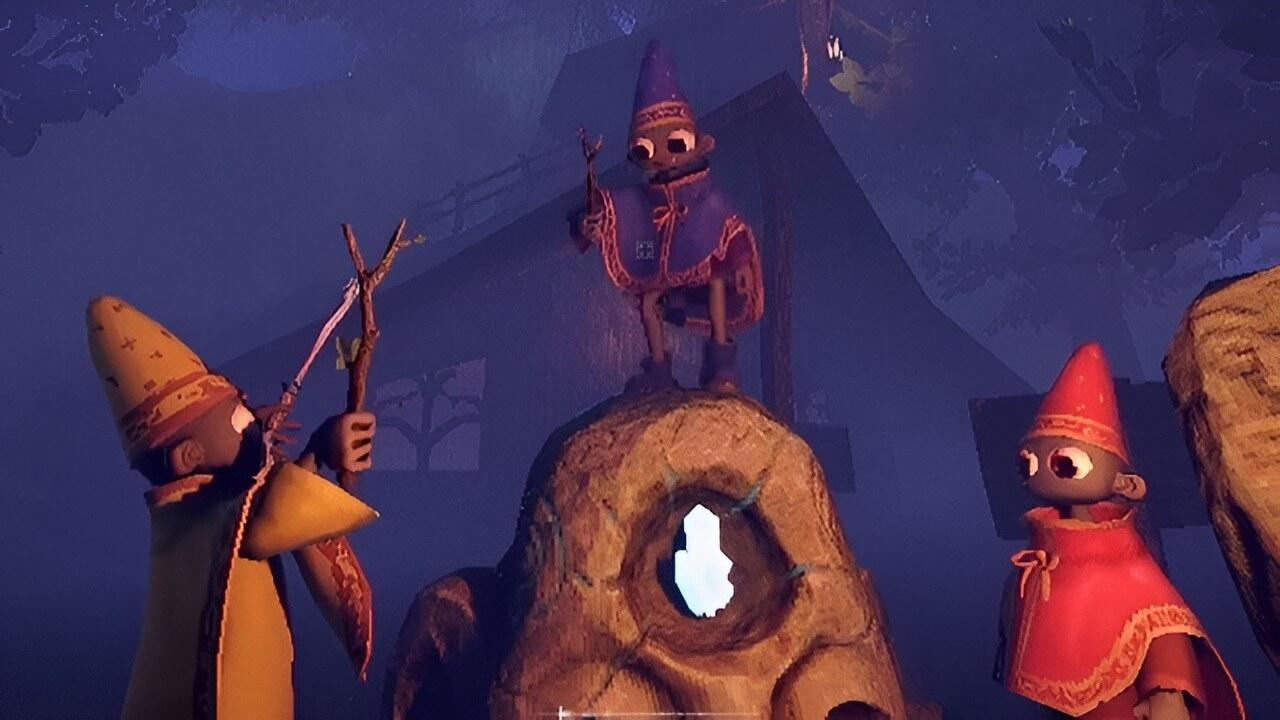
After its release in early February, online survival horror game YAPYAP has only continued to grow in popularity, and it does not seem to be slowing down anytime soon. Now that the game has had time to settle and players have explored its core mechanics, it feels like the perfect moment to dive into another key aspect of the experience by highlighting the best YAPYAP mods currently available.
We have already put together a guide covering some of its most exclusive spells, but this time the focus shifts to enhancing the overall experience. YAPYAP already lends itself well to community-driven creativity, and its growing mod scene proves just how flexible the game can be. With that in mind, we curated our own list so you can pick and choose what best fits your playstyle.
For the record, we are steering clear of outright cheat mods. Do not get us wrong, those can be a blast. There is even one that adds a full debug menu with essentially unlimited resources. Still, the goal here is to improve the base experience, not completely alter the core balance or spirit of the game.
So, without further ado…
These are the Best YAPYAP Mods Available So Far
Clearview
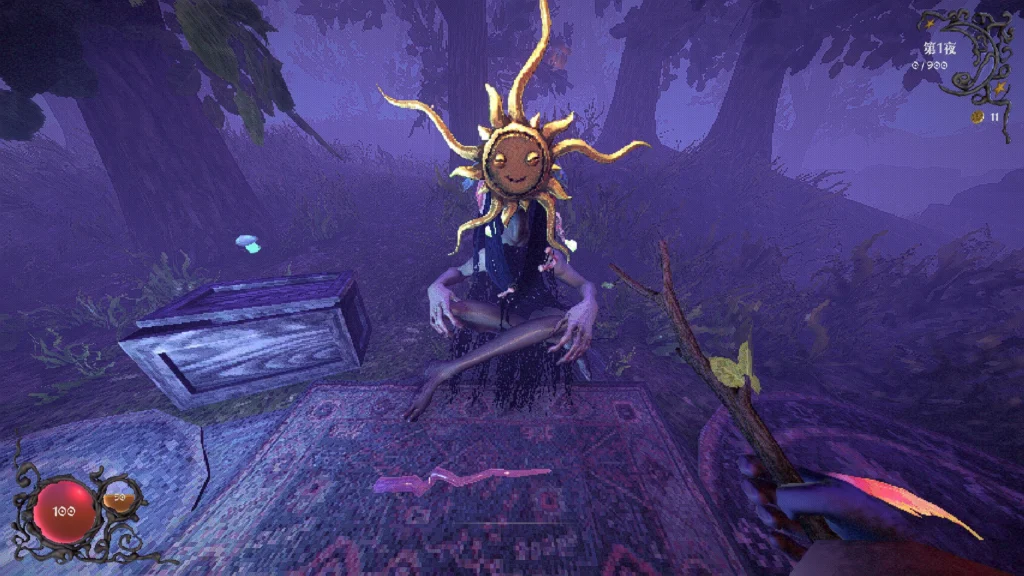
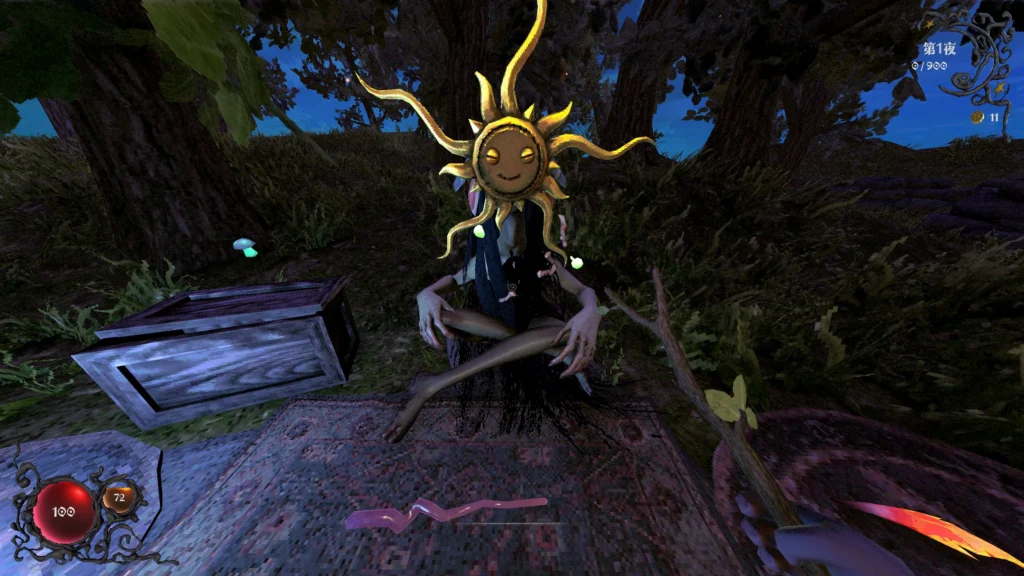
Clearview is, at least for now, the most popular mod available for YAPYAP. Essentially, it provides you with a more in-depth control of the game’s sharpness, allowing you to change the overall visual quality by freely adjusting the rendering scale to balance sharpness and performance. Through low-level optimization, the system manages video memory more efficiently than previous versions, ensuring smoother gameplay at higher resolutions—though it’s worth noting that native 1.0 resolution remains very taxing on hardware.
In addition to performance, the mod focuses on visual clarity by automatically disabling post-processing effects that cause noise, distortion, or stylized filters (like VHS effects). It also introduces independent control over volumetric fog, which can be toggled on or off without affecting other graphical settings, allowing for a cleaner and more personalized aesthetic.
More Player YAPYAP
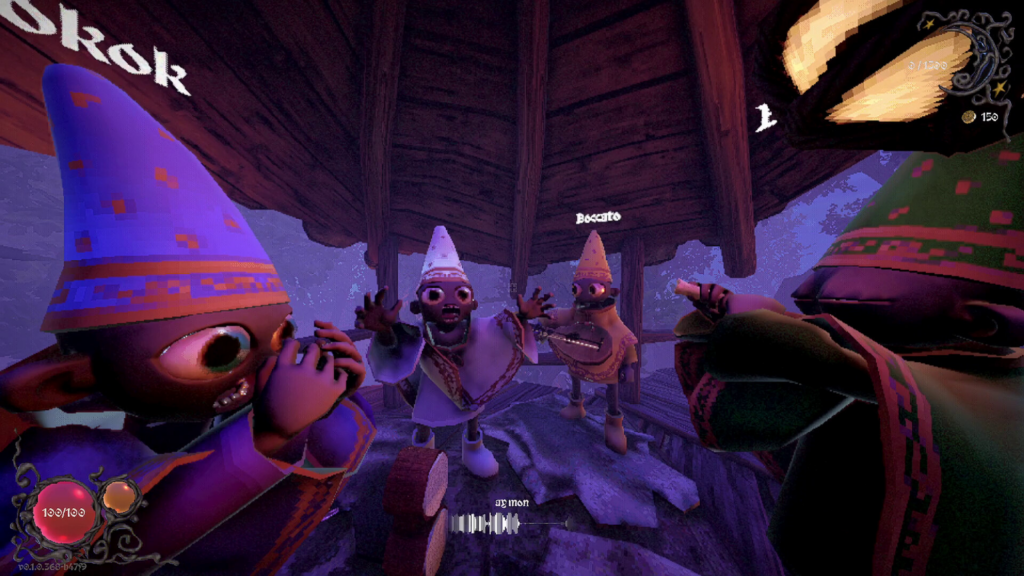
This is simple enough to understand: by default, YAPYAP allows for a maximum of 6 players per session. That helps the game maintain the overall sense of dread survival horror games are known for.
However, as YAPYAP is a social game, meant to be played online with friends, sometimes we just want to invite more people to the party — and that’s where this mod starts working, by simply scaling up the max player count…from 6 to 20.
VoiceInputFix
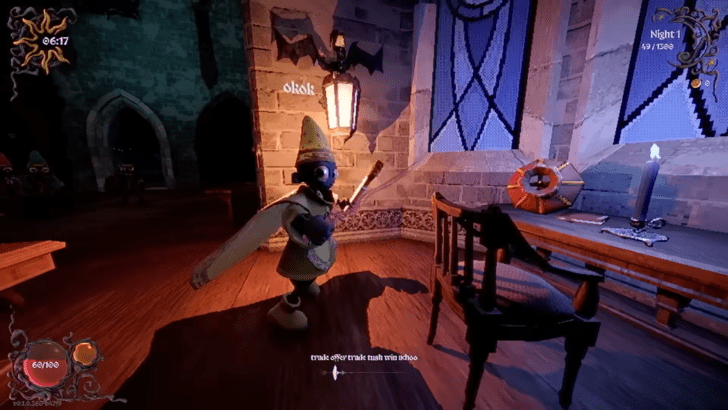
Voice-based games tend to fight tooth and nail against speech inconsistencies: sometimes, the player may have a strong accent, sometimes the entire language is unknown to a title.
VoiceInputFix hopes to fix some of those difficulties by improving YAPYAP voice command systems, bringing improvements like much Better Chinese recognition, multi-language support (Mandarin, Cantonese, English, Japanese, and Korean) and lower latency, which gives faster response times between the voice command and the execution on screen.
HealthBar
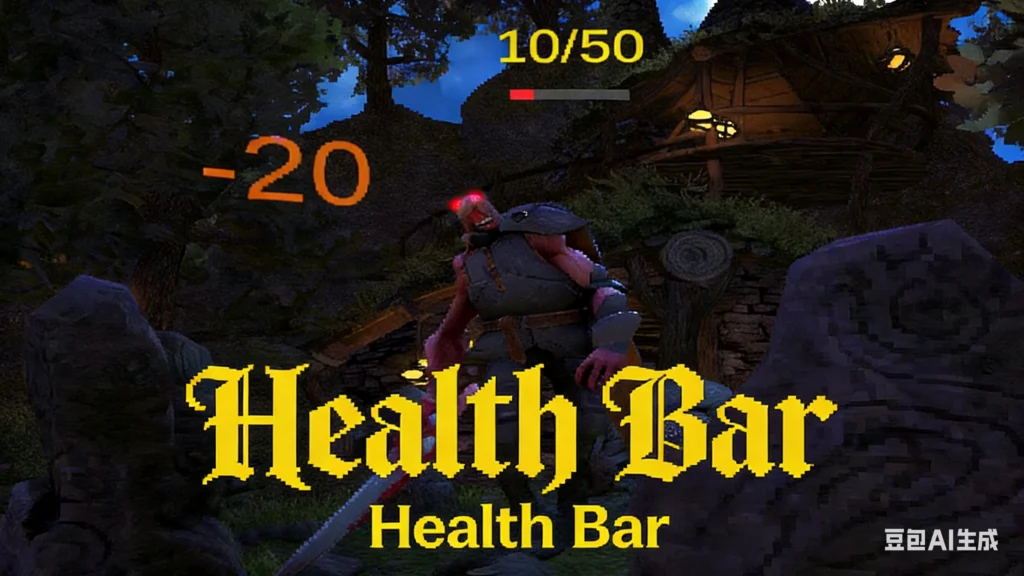
Horror fans usually like immersion because it helps set the somber tone of the match. However, this can make gameplay harder for newbies who are still learning to measure things like damage and energy available for tasks.
HealthBar is a mod that addresses just that, by adding visual cues like a health bar and other helpful hints that save you some guesswork when it comes to where exactly you’re standing in situations like fights and using resources.
Add Aero Damage
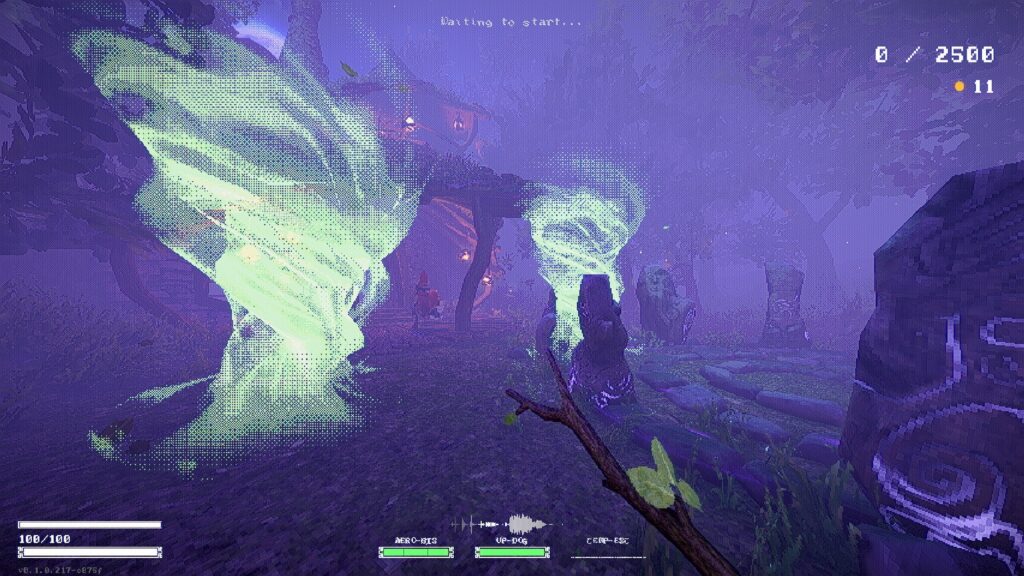
Of all YAPYAP spells, Aero-based attacks are among the weakest, for some reason. This can be a bother if, by any chance, this is your only usable option on a particularly complicated fight.
Add Aero Damage remedies that by doubling the damage potential of the Aero spell, while maintaining its original traits in regards to knockback, because it doesn’t overwrite any of the game’s files.
Repo-like
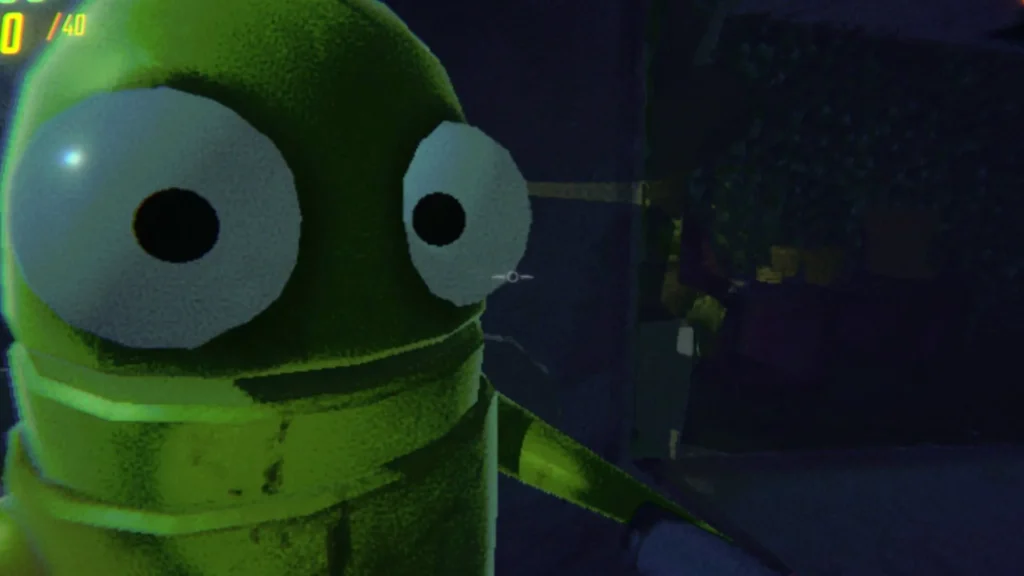
As the best YAPYAP mods go, this is probably one of the funniest. Once you install Repo-like, it will change the entire game, removing all regular income and changing it to a “pay-by-delivery” system just like R.E.P.O., another incredibly successful online horror game that made the rounds a few months ago.
It also adds a grab and lift feature for navigation, so you can find valuable assets to deliver to an extraction zone, while avoiding dangers that will zone in on your location through your microphone.
How To Install Mods in YAPYAP
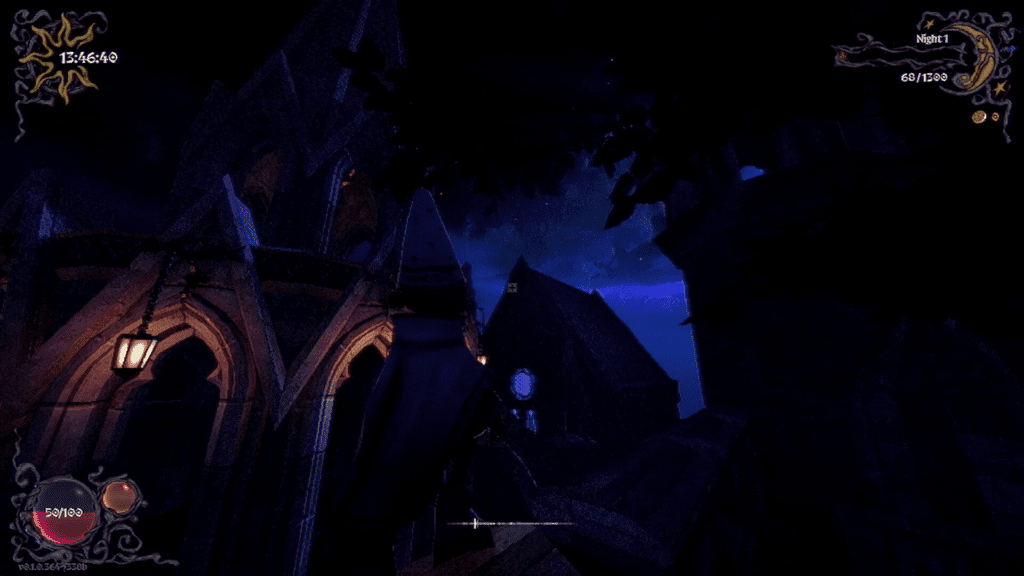
Much like Terraria and several other moddable games, the best YAPYAP mods simply will not work unless you follow a few preparation steps first. It is not just a matter of downloading a mod and dropping it into a folder. If you try that, the game will not recognize the files, and none of the changes will take effect.
In YAPYAP’s case, you will need to install BepInEx, a framework that creates the proper environment for mods to run. While most of the recommended mods can be found on NexusMods, one of the most popular modding platforms out there, they cannot function on their own without this backend support.
Thankfully, installing BepInEx is fairly straightforward. We recommend sticking with BepInEx 5 for now. Even though a newer version exists, many mods have yet to fully support it, which can lead to compatibility issues. Below is a quick breakdown of how to get everything up and running:
- After downloading BepInEx, extract its contents directly into the game’s root folder. Unless you changed the default installation path, it should look something like this: C:\Program Files\Steam\steamapps\common\YAPYAP
- Once that is done, launch the game normally without any mods installed. A command console window should briefly appear and then close on its own. It may look alarming at first, but that is actually the confirmation you need that BepInEx has been installed correctly and is running as intended.
- Close the game, and now you are ready to move on to mod installation.
- To install mods, extract the mod files into the “plugins” folder located inside the BepInEx directory you just created in the root folder. This is where the framework reads and loads additional content.
Most mods will download as .zip files and typically contain a single .dll file inside. In most cases, you simply place that .dll file into the plugins folder and you are good to go. Larger or more complex mods may include multiple .dll files or additional folders, but the process remains the same: everything goes into the plugins directory. If you prefer a visual walkthrough, Guided Resolution offers this same guide in video format with step-by-step instructions.
Just keep in mind that the more mods you install, the more crowded your plugins folder will become, so a little organization can go a long way.