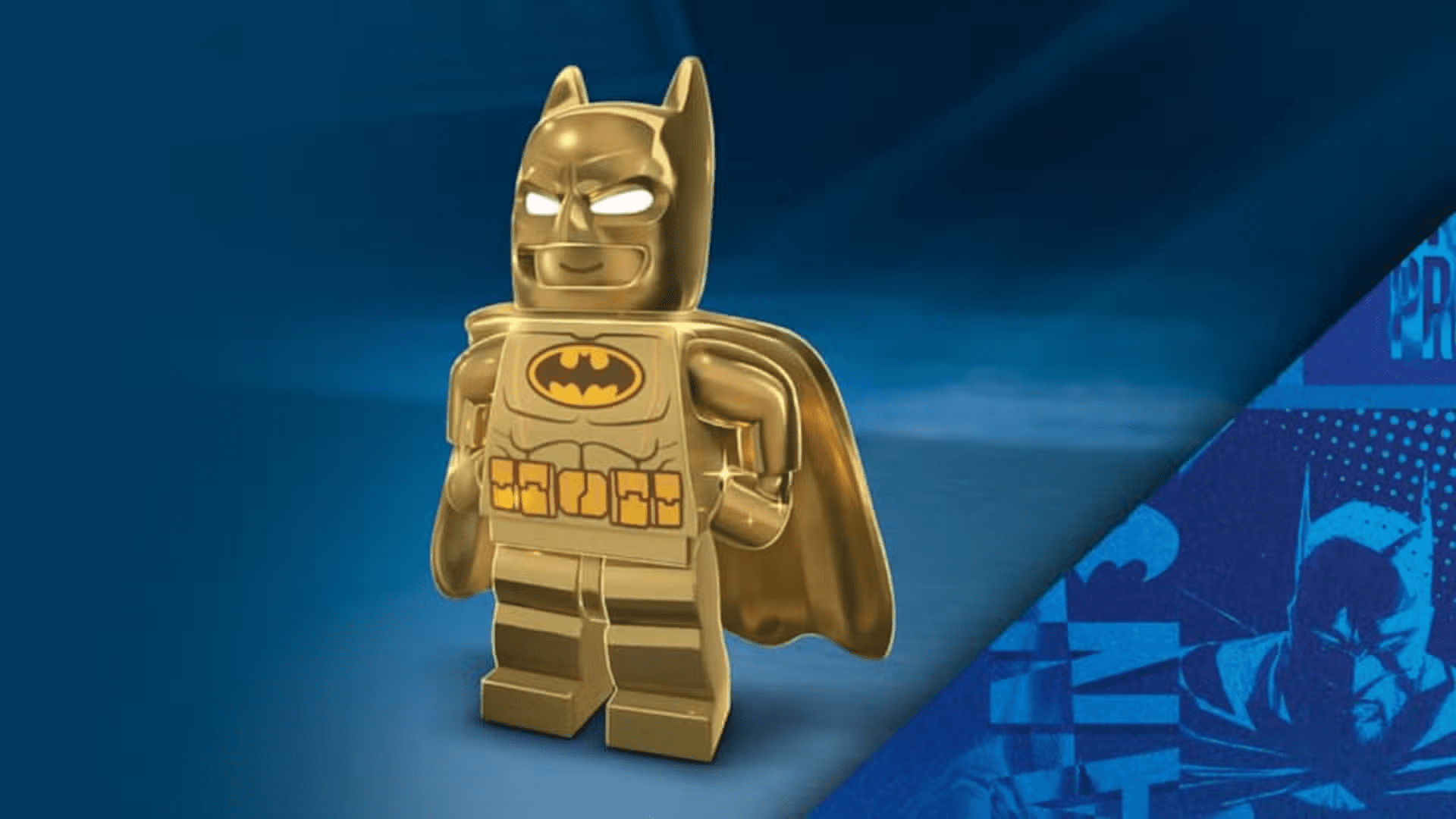
If you want Batman to look a little “golden” while you glide through Gotham in LEGO Batman: Legacy of the Dark Knight, there are special redeem codes worth tracking down. These are not traditional cheat codes. Instead, they are tied to physical LEGO sets and unlock exclusive skins and vehicle variants that carry into the game’s story mode.
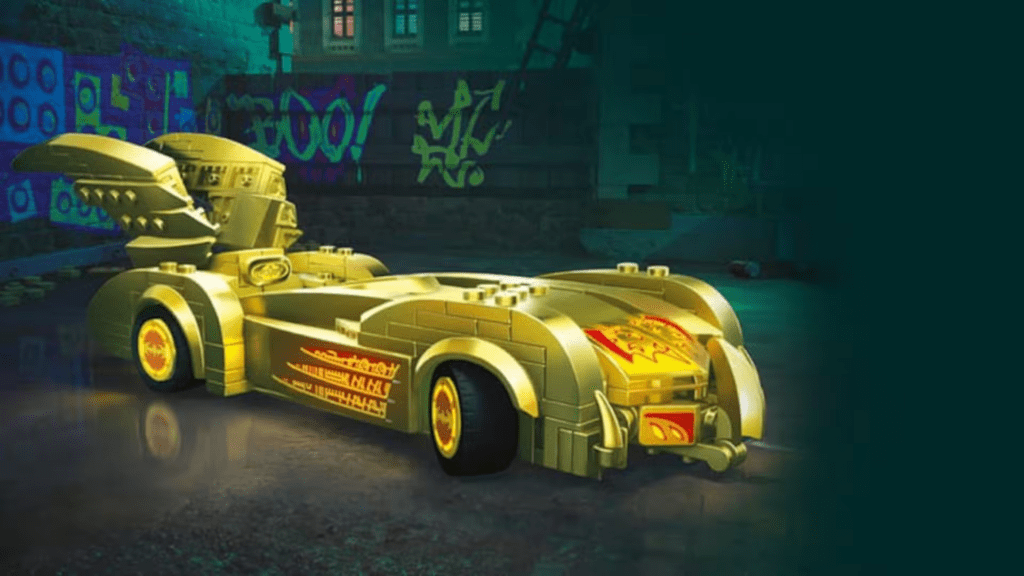
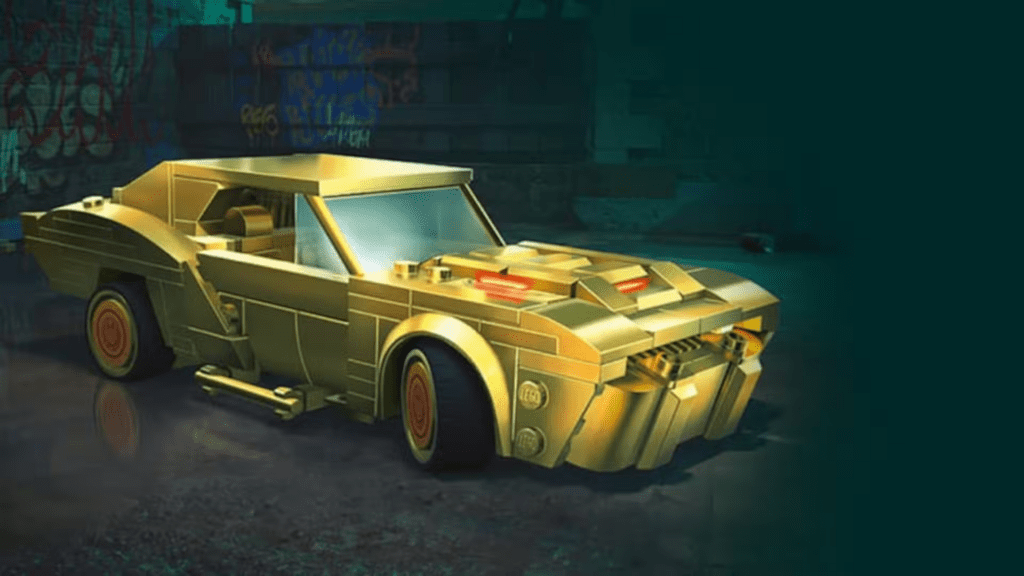
One of the main rewards players are chasing is the Golden Batman outfit, along with several golden vehicle variants that give classic Batmobiles a more premium look.
All Redeem Codes and Rewards
These codes come from select LEGO Batman sets that include QR codes inside their building instructions. Scanning them through LEGO’s system generates an in-game redeem code. Here are the currently supported sets and what they unlock:
| LEGO Set | Set Number | In-Game Reward |
|---|---|---|
| Batman Logo | 76330 | Golden Batman outfit |
| Batman v Superman Batmobile | 76331 | Batman v Superman Batmobile + golden variant |
| The Batman Batmobile | 76332 | The Batman Batmobile + golden variant |
| Batman & Robin Batmobile | 76333 | Batman & Robin Batmobile + golden variant |
Each of these rewards is tied directly to its matching LEGO set, and the QR codes needed to unlock them are located inside the instruction booklets.
How to Redeem Codes
Redeeming your codes takes a few steps, but once done, the rewards carry straight into LEGO Batman: Legacy of the Dark Knight. First, you need to head over to LEGO.com and log into the LEGO Insiders program. If you already have an account, just sign in as usual. From there, go through your account menu and follow this path:
- Open your profile via the minifig icon in the top corner
- Go to the “My Membership” page
- Expand the menu and select “My Collection”
- Click “Add a set”
- Choose Scan QR code and scan the code from your LEGO set
Once scanned, the system generates a redeem code. After that, open LEGO Batman: Legacy of the Dark Knight, go to the main menu, and select the Redeem Code option. Enter your code there to unlock your rewards in-game.