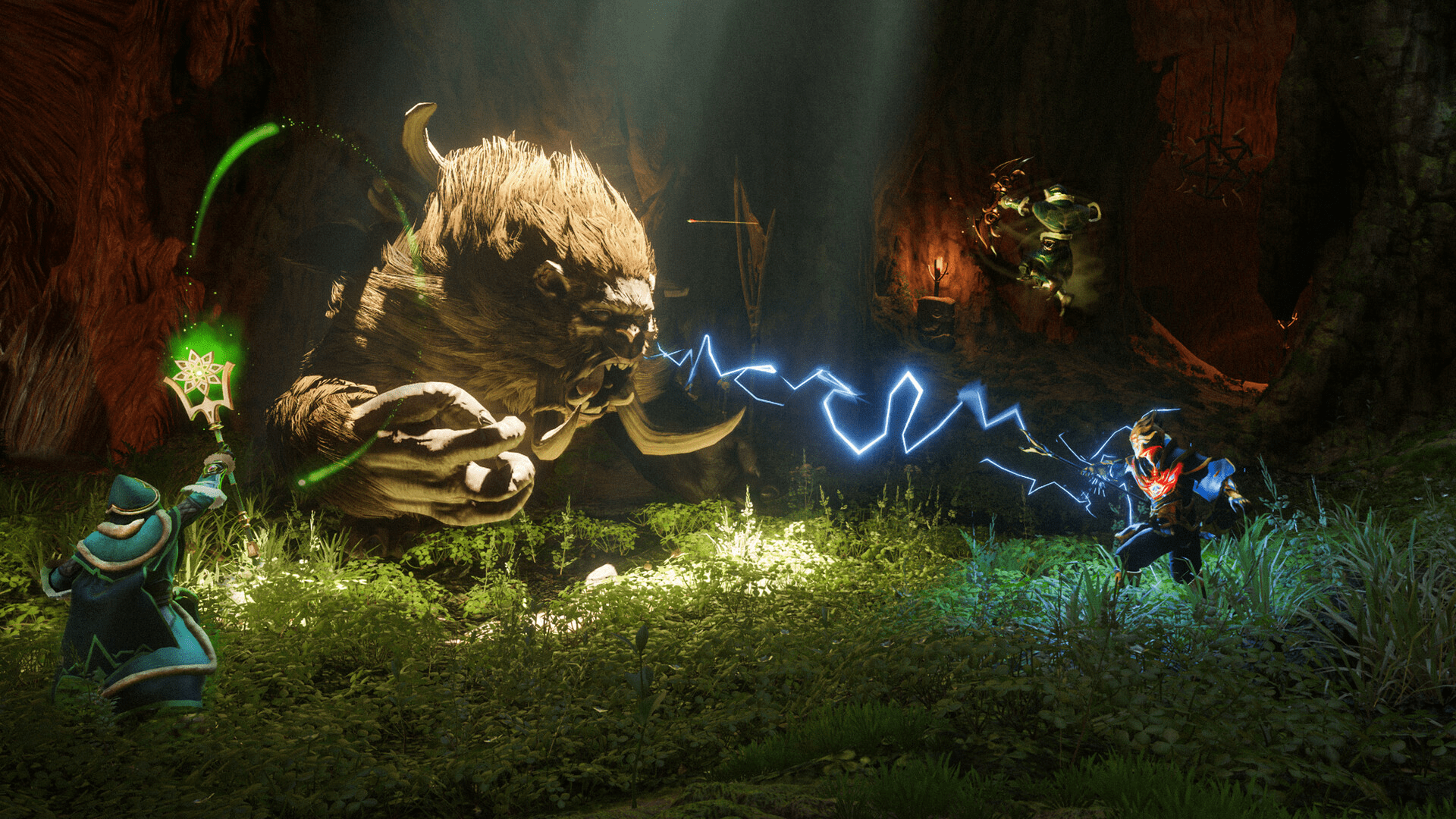
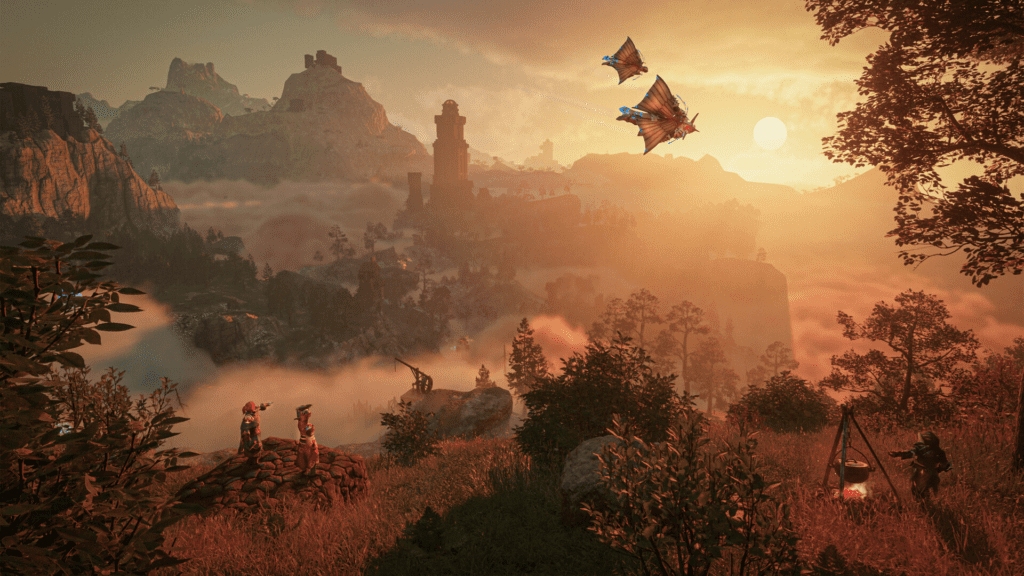
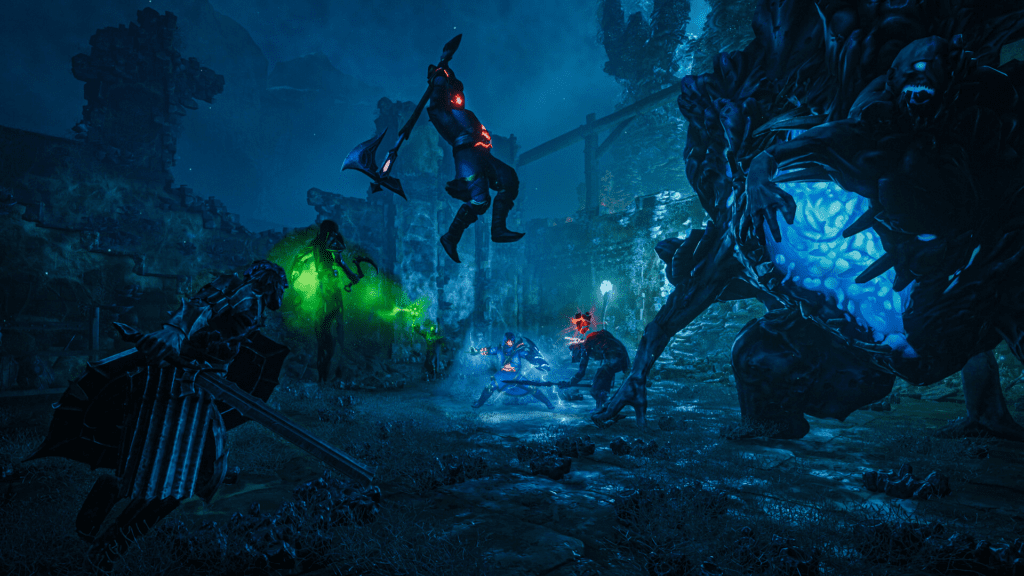
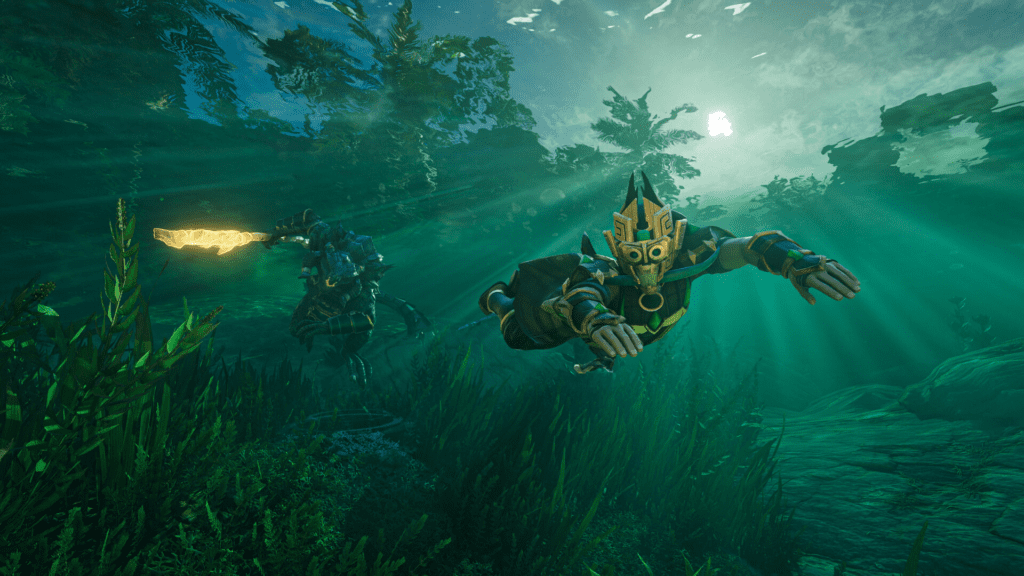
The Efflorescent Hope set has arrived in Enshrouded, bringing a seasonal vanity outfit that fits the blooming world of Embervale. You can either hunt down the pieces in-game or unlock them by watching Twitch streams during the event window.
The Twitch Drops campaign started on April 21st at 2pm CEST and runs for 15 days, giving you a limited time to collect the full set.
Below is everything you need to know about how to earn the set, what each watch milestone unlocks, and how to link your account properly.
Enshrouded Twitch Drops Rewards and Watch Time
Here’s how long you need to watch participating streams to unlock each reward:
- 1 hour – Efflorescent Hope Boots & Pants
- 90 minutes – Efflorescent Hope Gloves
- 2 hours – Efflorescent Hope Chest
- 3 hours – Flower Wreath
- 4 hours total – Efflorescent Hope Flower Crown
You’ll need to claim each reward as you go so progress continues tracking properly.
How to Link Your Enshrouded Account to Twitch
Before you can earn anything, your game account must be connected to Twitch. Here’s how to set it up:
- Visit the official Enshrouded drops linking page
- Click “Connect to Steam” and sign in
- Click “Connect to Twitch” and log into your Twitch account
- Authorize Enshrouded to enable Twitch Drops access
- Confirm both connections are active
Once linked, you’re ready to start earning rewards just by watching streams.
Where to Watch for Drops
To make sure your watch time counts, go to the official Enshrouded category on Twitch.tv and watch streams marked as eligible for drops. Not every stream will count, so double-check before you settle in.
How to Claim Twitch Drops in Enshrouded
After watching streams and meeting each milestone:
- Go to your Twitch Inventory page
- Claim each unlocked reward manually
- Launch Enshrouded
- Press ESC in-game
- Open the Twitch Drops menu
- Sync your rewards into your character inventory
If something doesn’t appear immediately, reloading the game usually helps trigger the sync.