
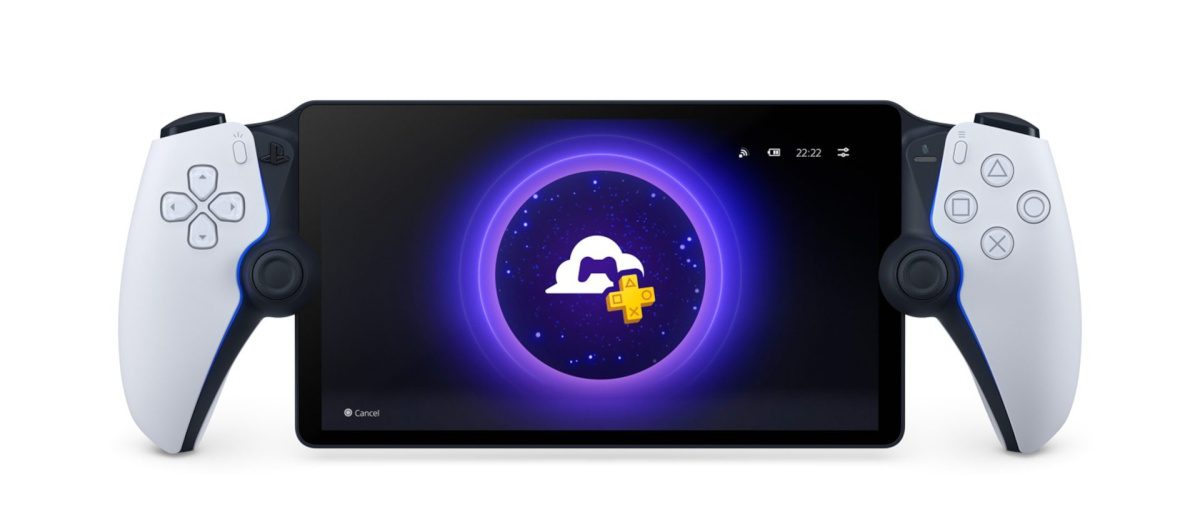
After a year-long beta period, PlayStation Portal Cloud Streaming is finally available for everyone. This highly anticipated feature will finally make the PlayStation Portal more usable as a standalone device. Sony made the announcement through a blog post that revealed a few other changes coming with the public release. Here is everything you need to know about the new Sony PlayStation feature.
What is PlayStation Portal Cloud Streaming?
PlayStation Portal Cloud Streaming allows Portal players to stream and play PlayStation games without requiring a PlayStation 5. Before this new feature, players had to power on their PlayStation 5 via Remote Play to play games on the Portal gaming handheld. The new feature brings a true cloud streaming gaming experience to the Portal.
How to Use PlayStation Portal Cloud Streaming?
As the name makes it clear, you will need a PlayStation Portal to take advantage of cloud streaming on the gaming handheld. The next step is to subscribe to PlayStation Plus Premium. It is the most expensive and feature-rich plan among all PS Plus tiers. It will let you stream select games from the Game Catalog and Classics Catalog. The best part is that you will be able to stream games even if your PlayStation 5 is being used with another account or someone is watching a movie on it.
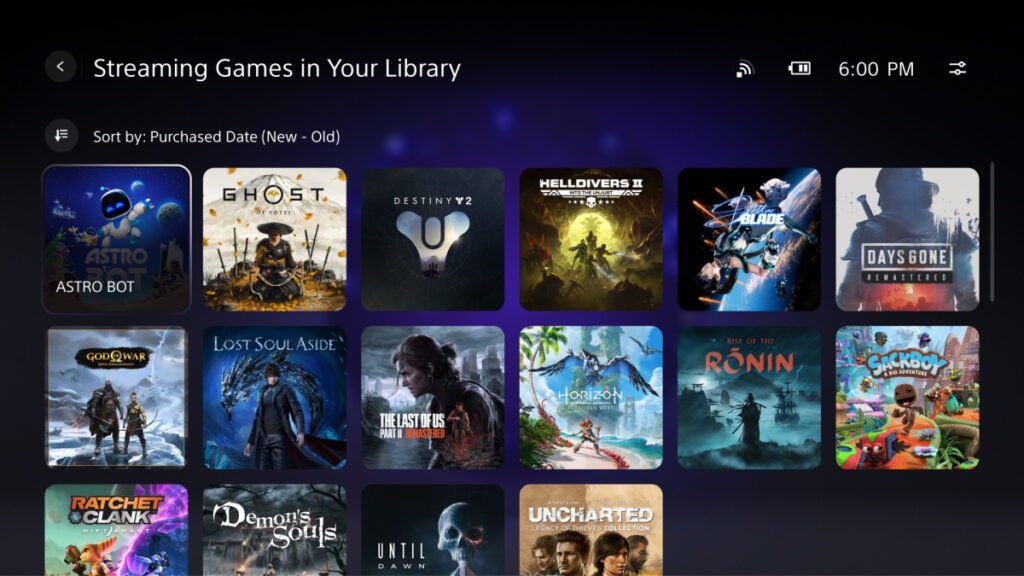
You can take PlayStation Portal anywhere and start streaming games through a fast-enough internet connection. You do not have to worry about carrying and turning on the PlayStation 5 console anymore. All you need is to boot your gaming handheld and connect to the internet to start streaming supported games.
PlayStation Portal Cloud Streaming Features
Sony has revamped the PlayStation Portal home screen user interface (UI) to make it easier for players to switch between Remote Play and Cloud Streaming. The home screen has three tabs for Remote Play, Cloud Streaming, and Search. The first tab is for playing games via Remote Play when your PlayStation 5 is turned on and connected to the Portal. The second tab will show you games that you can stream directly via PS Premium subscription. The last tab is for searching a game manually to check if it is Cloud Streaming compatible.

Here are the new features that Sony has introduced with Cloud Streaming:
- 3D Audio: 3D Audio support is available on select games when playing via Remote Play or Cloud Streaming. You will need a compatible audio device to enjoy the immersive audio experience.
- Passcode Lock: You can now set a passcode to your PlayStation Portal. This can be enabled by visiting Settings > System > Passcode.
- Network Status Screen: Sony has now made it easier and quicker to check network status. Open the Quick Menu to visit Troubleshoot > Show Network Status while playing on Remote Play or Cloud Streaming. It will give you information regarding the quality of the network.
- In-Game Store: Players can purchase in-game items and currencies without leaving the streaming gaming session.
- Game Invitations: PlayStation friends can send each other game invites while playing games through Cloud Streaming for multiplayer sessions.